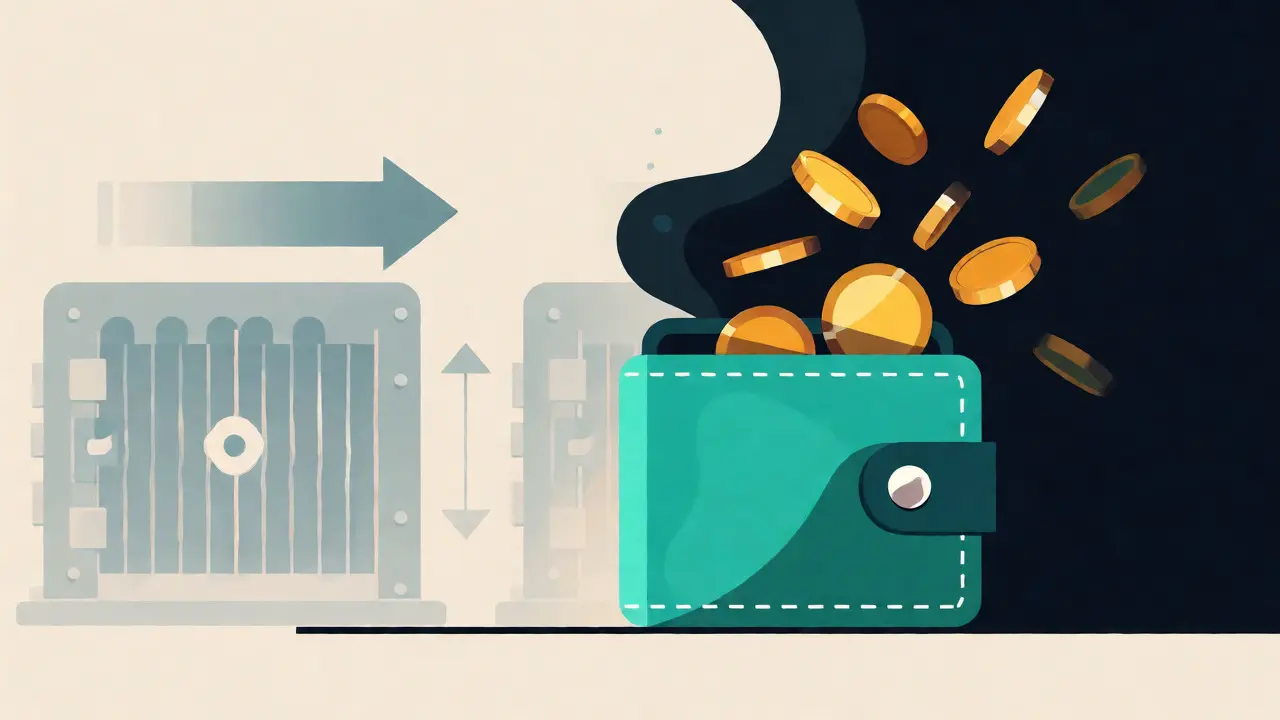
Imagine waking up to find your life savings vanished. Not stolen by a sophisticated hacker breaking into a bank vault, but drained from a digital account in eight minutes because someone guessed your password. This isn't a hypothetical horror story; it’s the reality for thousands of cryptocurrency holders every year. In traditional banking, if fraud occurs, you call your bank, they reverse the transaction, and you get your money back. In crypto? The blockchain doesn’t care about your feelings. Transactions are irreversible. Once those coins leave your wallet, they’re gone forever unless the thief chooses to send them back.
This finality is why Two-Factor Authentication (2FA) is not just a nice-to-have feature-it’s the absolute baseline for survival in the digital asset space. If you are holding Bitcoin, Ethereum, or any other token without 2FA enabled, you are essentially leaving your front door wide open with a "Please Steal" sign hanging on it. But here’s the catch: not all 2FA is created equal. Using SMS verification might actually be putting you at greater risk than using no 2FA at all in certain scenarios. Let’s break down exactly why this layer of defense matters, which methods work best, and how to avoid the common traps that lock you out of your own funds.
The Irreversibility Problem
To understand why 2FA is non-negotiable, you have to grasp the fundamental difference between fiat currency and cryptocurrency. When you swipe your credit card, you’re relying on a centralized institution-Visa, Mastercard, or your bank-to mediate trust. They hold the ledger. If someone steals your card number, you dispute the charge, and the institution refunds you. It’s messy, but recoverable.
Crypto operates on decentralized ledgers like Bitcoin and Ethereum. There is no CEO to call. No customer support line to beg for help. If a private key is compromised, the network simply validates the new owner’s signature. That’s it. Game over. Because there is no "undo" button, prevention is the only strategy that works. 2FA acts as that critical gatekeeper, ensuring that even if your password is leaked in a data breach (which happens constantly), the attacker still can’t move your assets without the second factor.
Not All 2FA Methods Are Equal
When you enable 2FA, you’re adding a second layer of identity verification. Typically, this falls into three categories: something you know (password), something you have (device/token), and something you are (biometrics). In crypto, we mostly rely on the first two. However, the implementation of "something you have" varies wildly in security strength.
Most beginners start with SMS-based 2FA. You enter your password, receive a code via text message, and you’re in. It feels secure, but it has a fatal flaw: SIM Swapping. Attackers don’t need to hack your phone; they just need to convince your mobile carrier that they *are* you. By social engineering a telecom employee, they transfer your phone number to their SIM card. Now, they receive your SMS codes. They reset your email password, log into your exchange, and drain your account. The FBI reported over 2,300 crypto-related SIM swap incidents in 2023 alone, resulting in tens of millions of dollars in losses. For significant holdings, SMS is risky business.
A better option is Time-based One-Time Passwords (TOTP) generated by apps like Google Authenticator, Authy, or Microsoft Authenticator. These apps generate a six-digit code that changes every 30 seconds based on a shared secret key. Since the code is generated locally on your device, an attacker can’t intercept it remotely unless they have physical access to your phone. According to Crypto.com’s security analysis, authenticator apps provide nearly 99% protection against account takeovers, compared to just 74% for SMS.
For the highest level of security, especially for long-term storage, hardware tokens like YubiKey are the gold standard. These small USB or NFC devices require physical presence to authenticate. Even if a hacker phishes your password and intercepts your TOTP code, they can’t use your YubiKey unless they physically steal it. Yubico reports that their hardware tokens prevent 100% of remote phishing attacks when properly implemented. If you’re holding more than $10,000 in crypto, the cost of a YubiKey ($50-$80) is trivial insurance.
| Method | Security Level | Vulnerability | Best For |
|---|---|---|---|
| SMS | Low | SIM Swapping, Carrier Hacks | Small balances, low-risk accounts |
| Authenticator App (TOTP) | Medium-High | Malware on phone, Screen Mirroring | Daily trading, moderate balances |
| Hardware Token (U2F/FIDO2) | Very High | Physical Loss/Theft | Long-term holdings, high-value accounts |
| Passkeys | High | Device Dependency | Modern exchanges supporting FIDO2 |
The Phishing Threat Landscape
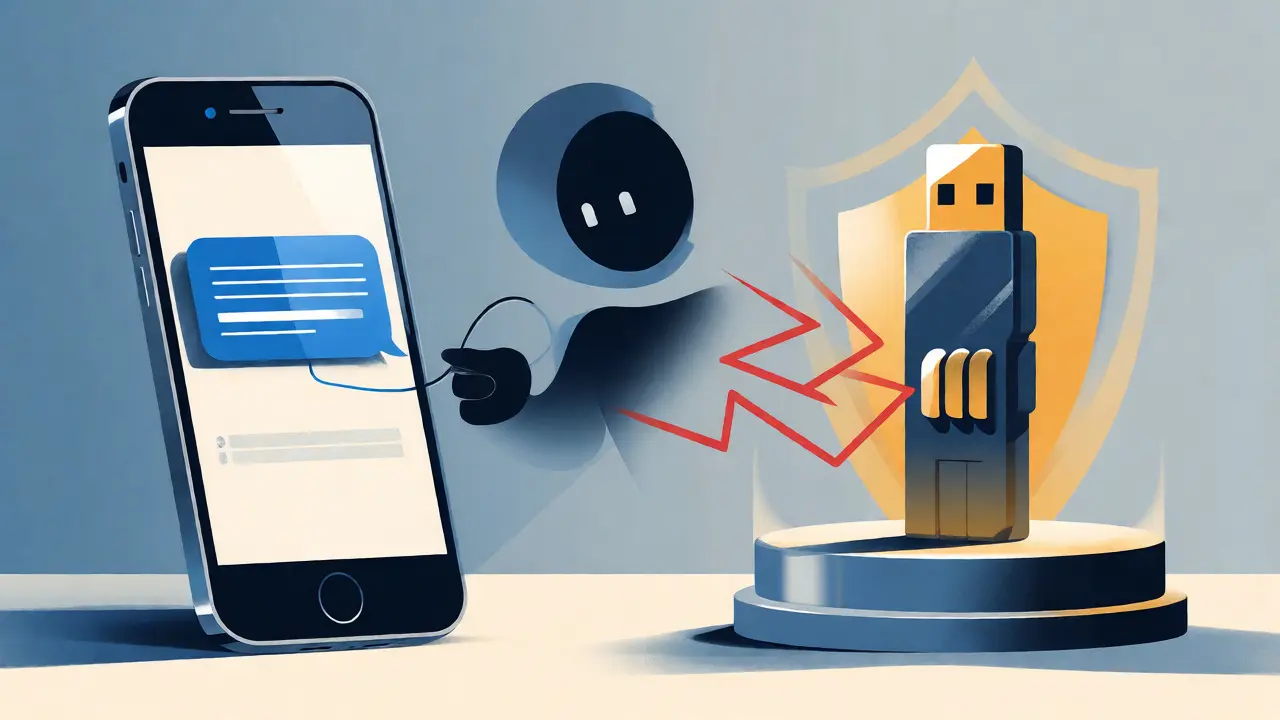
You might think, "I’m smart, I won’t fall for phishing." Think again. Modern phishing kits are terrifyingly effective. Tools like Evilginx 3.0 allow attackers to create a fake login page that looks identical to Coinbase or Binance. When you type in your password and your 2FA code, the attacker captures both in real-time and passes them along to the real site. To you, it looks like a successful login. To them, it’s a session hijack.
This is where the distinction between different 2FA types becomes critical. Standard TOTP codes are vulnerable to this man-in-the-middle attack because the code is just a string of numbers that expires shortly. If the attacker uses it immediately, they’re in. Hardware keys, however, use cryptographic challenges that are bound to the specific domain name. If you try to log into `coinbase-phish.com` instead of `coinbase.com`, the YubiKey refuses to sign the challenge because the domain doesn’t match. This makes hardware-based 2FA resistant to even the most sophisticated phishing campaigns.
Recovery: The Silent Killer
Here is the irony of 2FA: while it keeps hackers out, it often locks legitimate owners out too. A study by Coinbase noted that nearly 19% of account recovery requests involved users who lost access to their second factor. Did you change your phone number? Did you factory reset your Android device without backing up Authy? Did you lose your YubiKey?
If you haven’t stored your backup codes, you are one device failure away from losing everything. Exchanges will ask for ID verification, proof of address, and sometimes video calls to regain access, but it takes time-and in crypto, time equals volatility. While you wait for support tickets to resolve, the market moves, and your assets sit idle.
Pro Tip: Never store your 2FA backup codes digitally in the same place as your passwords. Don’t screenshot them and save them in your camera roll. Print them out. Store them in a fireproof safe or a safety deposit box. If you use Authy, enable multi-device sync so you can add a tablet or old phone as a backup device before disaster strikes.

Regulatory Pressure and Industry Standards
It’s not just about personal paranoia; the industry is shifting toward mandatory 2FA. The European Union’s Markets in Crypto-Assets (MiCA) regulation, fully effective as of late 2024, mandates strong customer authentication for service providers. Similarly, the US Financial Crimes Enforcement Network (FinCEN) guidelines increasingly view 2FA as part of the "Know Your Customer" (KYC) compliance framework.
Major exchanges like Kraken, Binance, and Coinbase now offer incentives for enabling 2FA, such as higher withdrawal limits or lower fees. Conversely, platforms without robust 2FA options see significantly higher user churn rates. Bitstamp’s internal analysis showed that exchanges lacking multiple 2FA options experienced 3.2 times higher user turnover. Why? Because savvy investors know that weak security protocols are a red flag for operational incompetence.
How to Implement Bulletproof 2FA
Ready to secure your stack? Follow this checklist to ensure you’re not making common mistakes:
- Upgrade from SMS: If you currently use SMS 2FA, switch to an authenticator app immediately. Disable SMS entirely if possible.
- Use Dedicated Devices: Ideally, keep your authenticator app on a separate, older smartphone that never leaves your house. This reduces the risk of malware infection from daily browsing.
- Back Up Everything: Generate new backup codes after changing your 2FA settings. Write them down twice. Keep one copy at home and one off-site.
- Consider Hardware Keys: For accounts holding over $5,000, invest in a YubiKey or similar U2F token. It’s the single best upgrade you can make for your peace of mind.
- Test Recovery: Log out of your exchange and try logging back in using your backup method. Do this once a quarter to ensure you remember how the process works under pressure.
Remember, security is a journey, not a destination. As technology evolves, so do threats. Passkeys (FIDO2/WebAuthn) are emerging as a seamless alternative to traditional 2FA, offering passwordless login that is resistant to phishing. Platforms like Coinbase have already begun integrating passkey support, showing a 43% reduction in account recovery requests. Keep an eye on these developments, but don’t let perfect be the enemy of good. Enabling basic 2FA today is infinitely better than waiting for the "perfect" solution tomorrow.
Is SMS 2FA safe enough for cryptocurrency?
SMS 2FA is better than nothing, but it is considered the least secure method due to SIM-swapping attacks. Hackers can trick your mobile carrier into transferring your phone number to their device, allowing them to intercept your codes. For significant amounts of crypto, authenticator apps or hardware keys are strongly recommended.
What happens if I lose my 2FA device?
If you lose your device, you can use your backup recovery codes to regain access. Most exchanges provide these codes when you first set up 2FA. If you didn’t save them, you’ll need to go through a rigorous identity verification process with the exchange’s support team, which can take several days.
Can hackers bypass 2FA?
Yes, but it requires sophistication. Advanced phishing kits can capture both your password and your TOTP code in real-time. However, hardware-based 2FA (like YubiKeys) is highly resistant to these attacks because the authentication is tied to the specific website domain, preventing session hijacking.
Which 2FA app is best for crypto?
Authy is widely preferred because it allows encrypted cloud backups and syncing across multiple devices. Google Authenticator is simple and secure but lacks easy cross-device syncing. For maximum security, some users prefer offline-only apps or dedicated hardware wallets with built-in authentication features.
Do hardware wallets need 2FA?
Hardware wallets themselves store keys offline and usually require a PIN or biometric scan to authorize transactions, which serves as a form of local 2FA. However, if you use a web interface (like Ledger Live or Trezor Suite) linked to an online account, you should still enable 2FA for that account to protect against unauthorized management of your portfolio.
Leave a comments